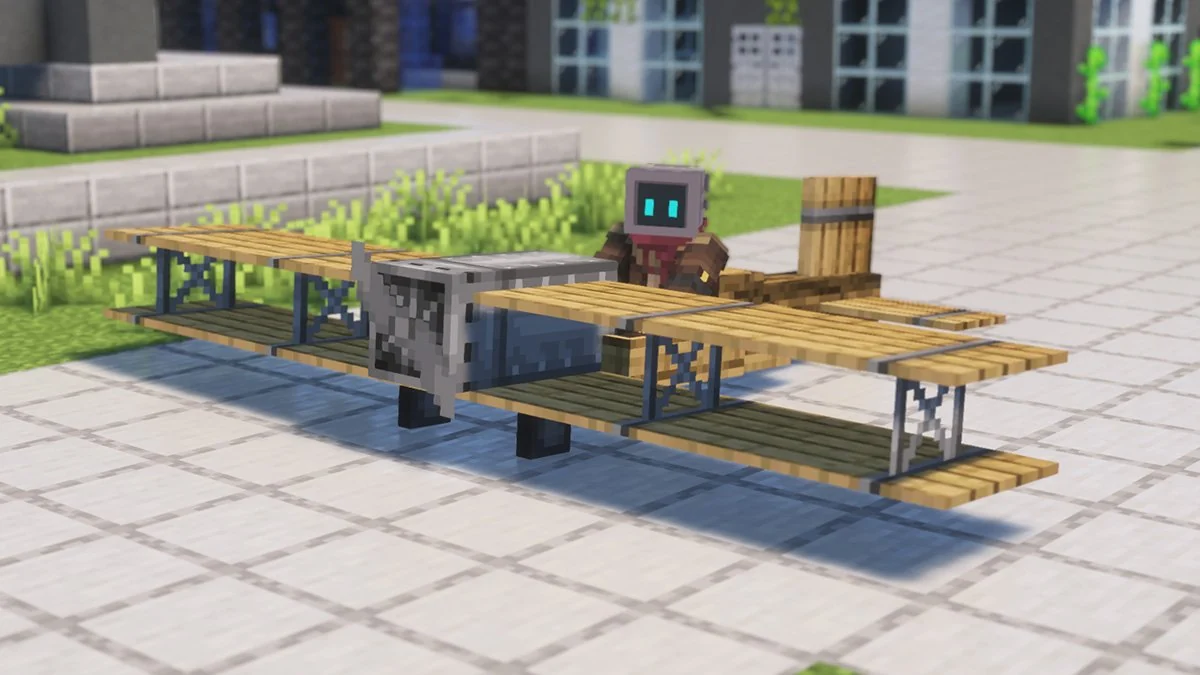
Why Java mod files and Minecraft Bedrock/MCPE add-ons are different ecosystems. This guide focuses on practical, version-aware steps and avoids assuming that every release or add-on behaves the same way.
Java mod vs MCPE add-on
Immersive Aircraft is distributed through the Java mod-loader ecosystem. Minecraft Bedrock/MCPE uses a different add-on system, so a Java mod JAR should not be treated as an MCPE installation package.
Avoid misleading downloads
If you are on mobile Bedrock/MCPE, verify that any content you consider is specifically made for that edition. Do not rename or sideload Java mod files as if they were Bedrock add-ons.
Installation and safety checklist
- Back up important worlds before changing mods.
- Match the Minecraft version and mod loader to the selected file.
- Use the correct profile’s mods folder.
- Check release-specific notes when updating.
Why Java and MCPE are different
Minecraft Java Edition and Minecraft Bedrock or MCPE use different modding systems. A Java mod file designed for loaders such as Fabric, Forge or NeoForge should not be treated as a Bedrock add-on.
If you are playing on a phone, tablet or Bedrock-based platform, look for content that is explicitly made for that edition instead of trying to install the Java mod file.
Check the platform before downloading
Before following any tutorial, confirm the edition of Minecraft you actually use. This small check prevents most confusion around searches for an “Immersive Aircraft Mod MCPE” download.
Related guides
- Immersive Aircraft Mod Download Guide
- Immersive Aircraft Mod Guide: Getting Started
- Immersive Aircraft Mod: How to Fly
Practical tip
Minecraft Bedrock/MCPE uses a different add-on system from Java Edition mod loaders. A Java mod file should not be treated as an MCPE package, so check the platform and file format before trying to install anything.