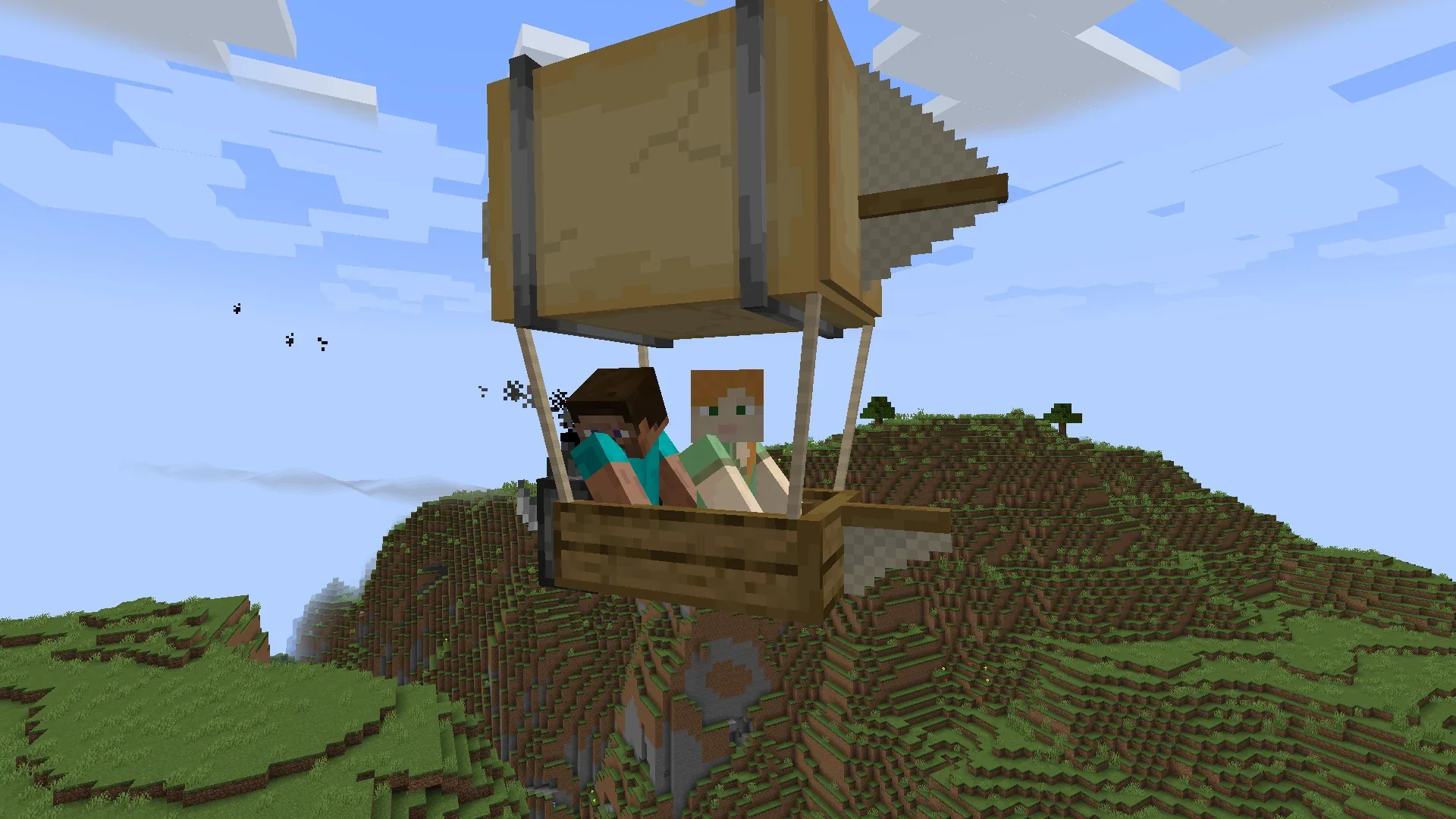
A practical introduction to installing, launching and exploring with aircraft. This guide focuses on practical, version-aware steps and avoids assuming that every release or add-on behaves the same way.
What the mod is built for
Immersive Aircraft focuses on vanilla-style aircraft for travel, transport and exploration, with customization and upgrade possibilities.
A good first session
Install a compatible build, learn the aircraft recipe for your version, create a safe practice area and test controls before attempting long-distance travel.
Installation and safety checklist
- Back up important worlds before changing mods.
- Match the Minecraft version and mod loader to the selected file.
- Use the correct profile’s mods folder.
- Check release-specific notes when updating.
Start with a simple test world
A fresh or backed-up test world is useful when learning the mod because you can focus on aircraft, controls and crafting without risking an important save. It also gives you space to understand how the mod fits into your normal Minecraft routine.
After you are comfortable with the basics, you can plan air routes between bases, build hangars or landing areas, and decide which aircraft style best fits the way you explore.
Build your setup gradually
When combining Immersive Aircraft with other mods, add changes gradually and keep track of what you install. This makes troubleshooting much easier than changing several files at once.
Related guides
- Immersive Aircraft Mod Download Guide
- Immersive Aircraft Mod: How to Fly
- Immersive Aircraft Mod Recipes Guide
Practical tip
A good first setup is deliberately simple: use one compatible loader profile, add the mod, launch once, then introduce optional add-ons only after the base installation is working. This makes later troubleshooting much easier.