Vanilla-faithful aircraft
Aircraft are styled to blend with Minecraft instead of looking like a separate game bolted on top.
Build a more adventurous Minecraft travel loop with rustic aircraft, upgrade paths and sky-first exploration—from compact planes to large airships.
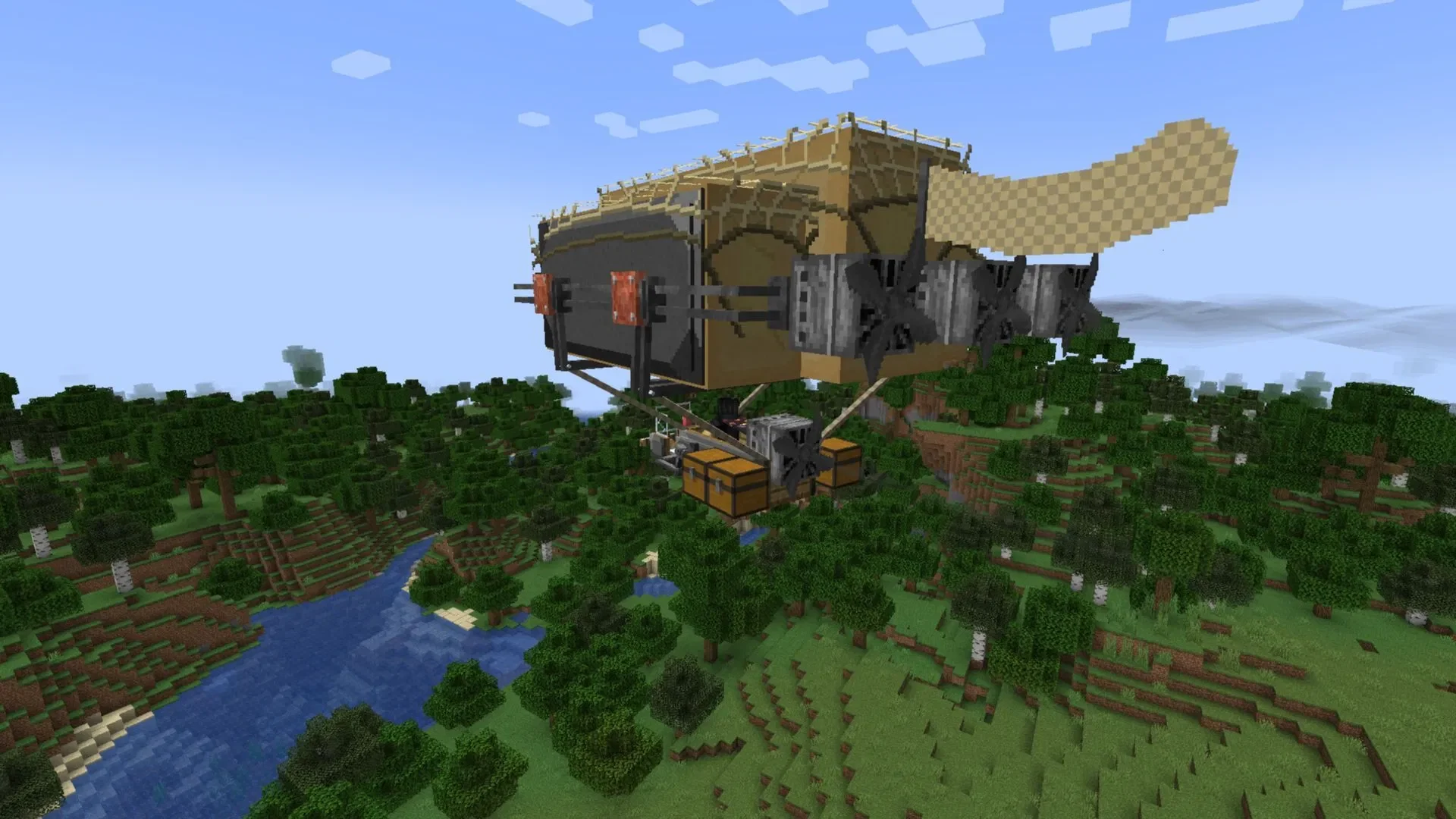
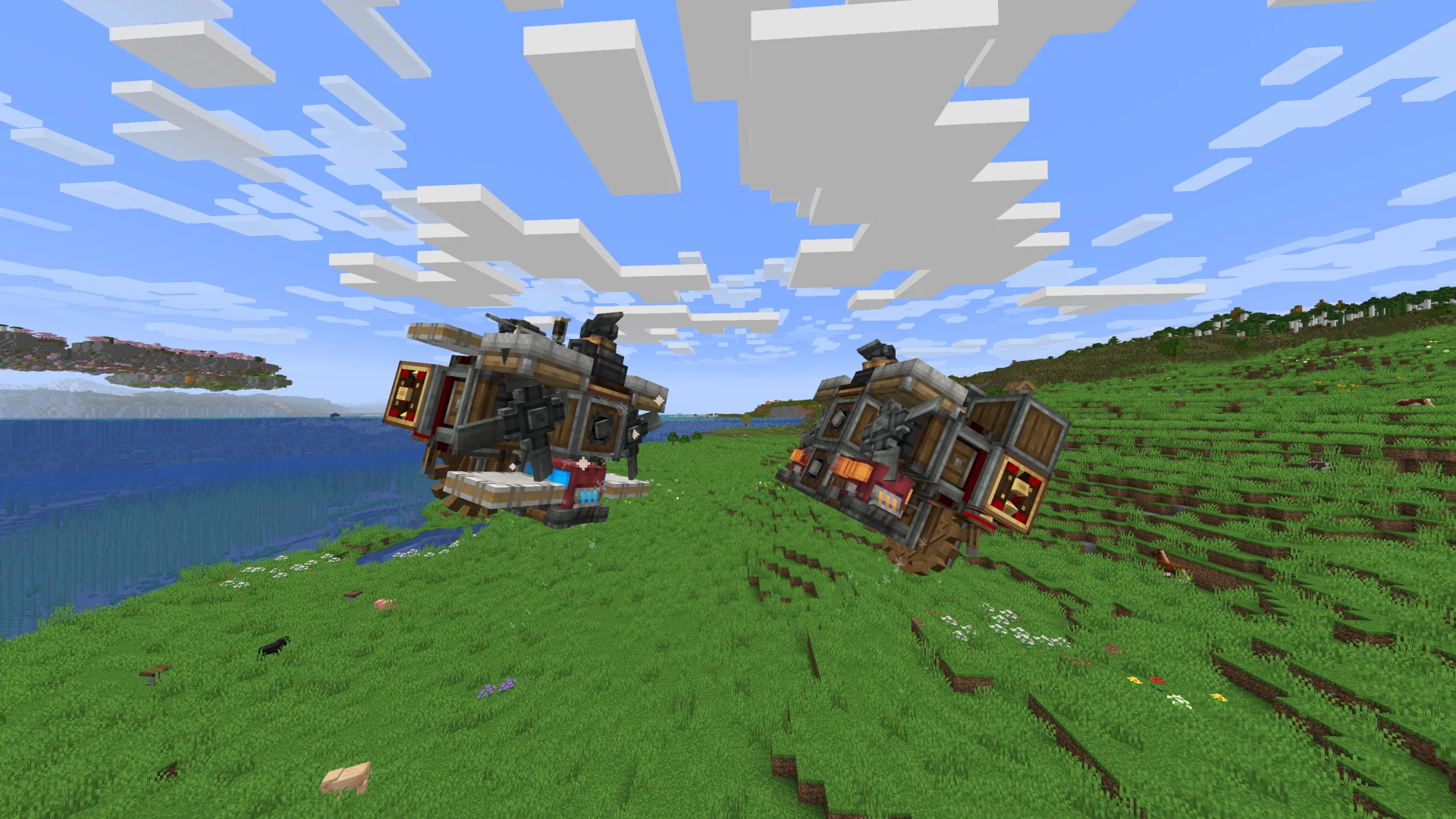
Immersive Aircraft Mod adds rustic, vanilla-faithful aircraft that make long-distance travel feel like part of the adventure. The idea is simple: craft, improve and fly vehicles that look at home in a Minecraft world.
Aircraft are styled to blend with Minecraft instead of looking like a separate game bolted on top.
Upgrade and customize your aircraft so progression continues after the first craft.
Turn distant bases, biomes and build sites into places you can reach through an aircraft-focused travel loop.
Move from smaller planes to larger airship-style builds as your world and ambitions grow.
Use height and mobility to scout terrain, cross difficult routes and plan new destinations.
Choose the release that matches your Minecraft version and loader before adding it to your setup.
Use the main Immersive Aircraft Mod download button on this page. The supplied direct file currently points to a NeoForge 26.2 release.
Confirm your Minecraft version and mod loader before installing. Other project files are available for supported Fabric, Forge and NeoForge setups.
Place the compatible mod file in the mods folder used by the Minecraft profile you actually launch.
Start the matching modded profile, check the in-game recipes and controls, then practice flying in an open area.
The Immersive Aircraft project publishes files for Fabric, Forge and NeoForge across multiple Minecraft versions. The direct download button on this site is the supplied CurseForge file for NeoForge 26.2, so use a different project file when your loader or game version does not match.
The project currently lists Fabric, Forge and NeoForge. Availability varies by Minecraft version.
This is a Java mod-loader project. Do not treat its .jar files as Bedrock or MCPE add-ons.
Fly over mountains, rivers and forests when you want a broader view before choosing your next route or base.
Make far-apart bases feel like one world by creating practical air routes between them.
Give aircraft a home with runways, hangars, docks and transport hubs that become part of your world-building.
Confirm the downloaded file is for the Minecraft version and loader you intend to use.
Make a world backup before adding or updating mods, especially on a long-running save.
Place the mod in the mods folder used by your selected modded Minecraft profile.
Launch once with the compatible setup and confirm the mod loads before changing several other mods at the same time.
Get Immersive Aircraft Mod for a compatible Minecraft Java setup. Check that the file matches your Minecraft version and mod loader before installation, and keep a backup of important worlds before changing your mod setup.
Download Immersive Aircraft ModTip: back up important worlds before changing your mod setup.
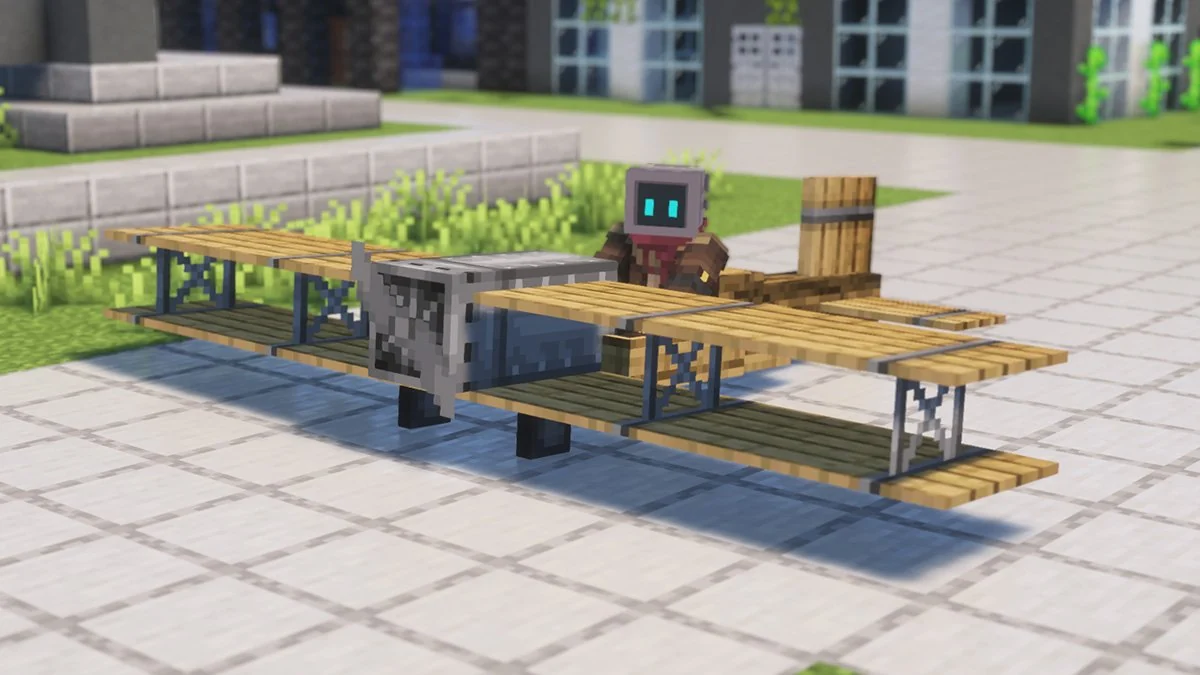
Find the right Immersive Aircraft file for your Minecraft version and loader.
Read guide →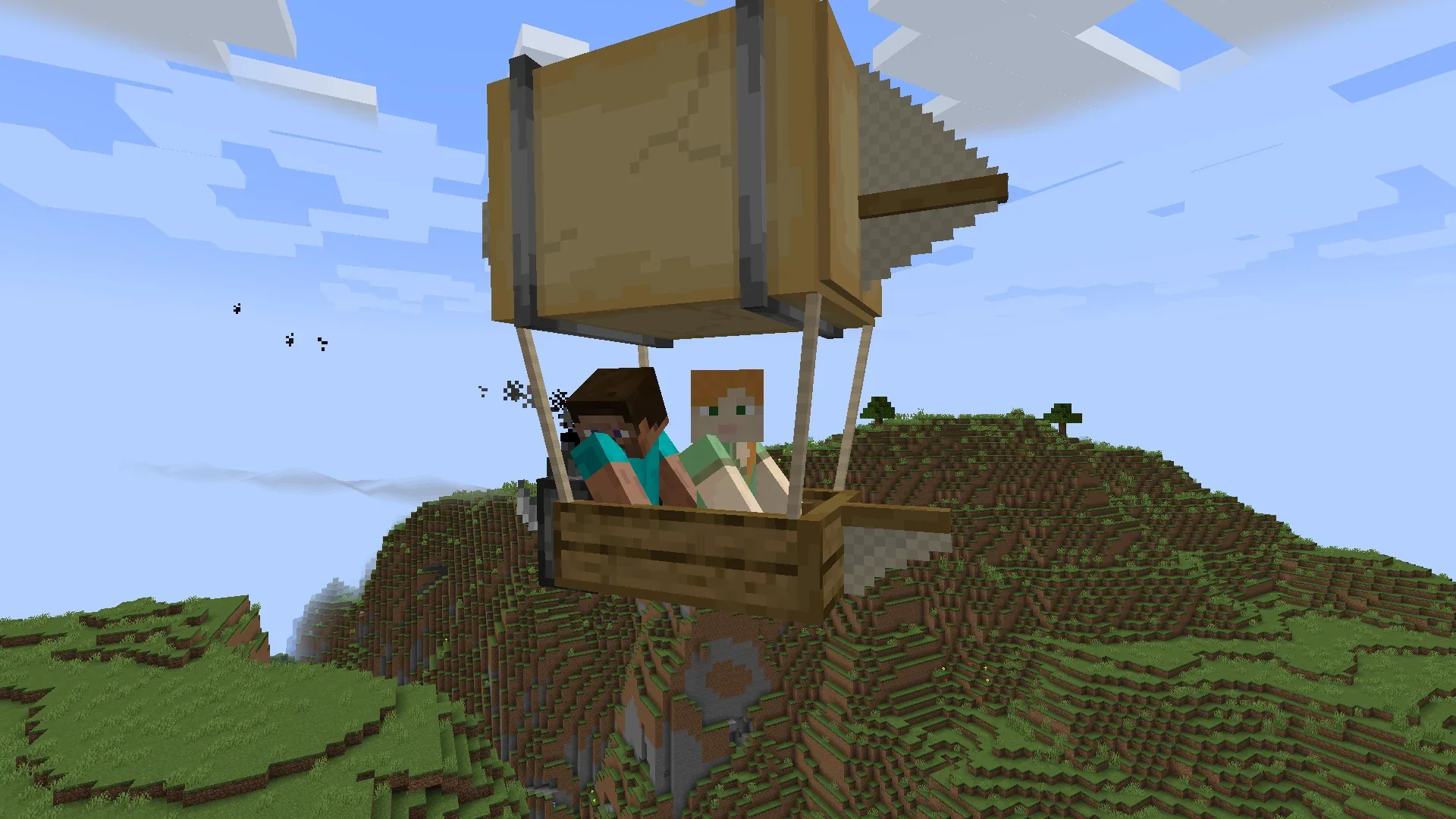
Start with a simple setup path, then move into aircraft, upgrades and world exploration.
Read guide →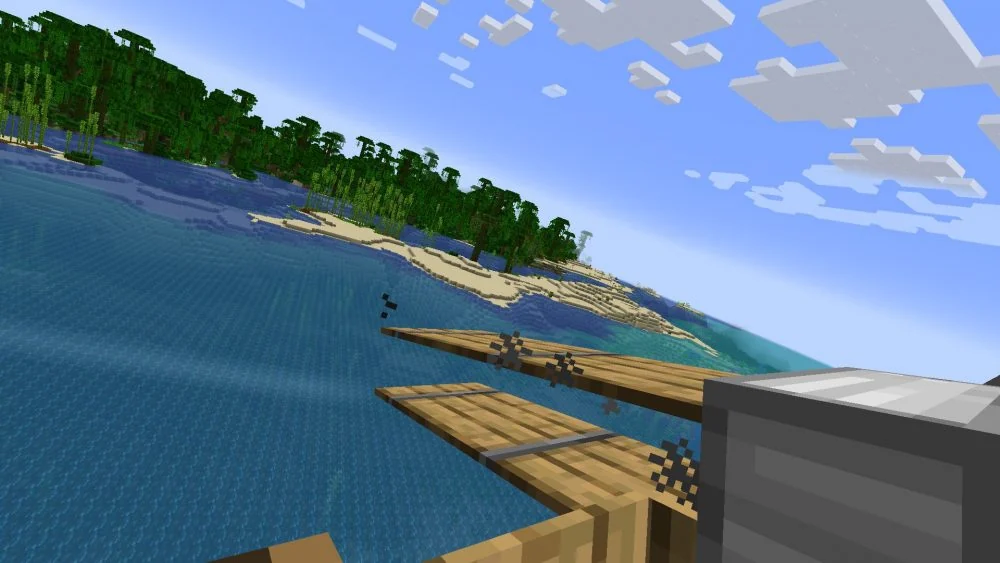
Get comfortable with takeoff, steering and first-flight practice without overcomplicating the process.
Read guide →